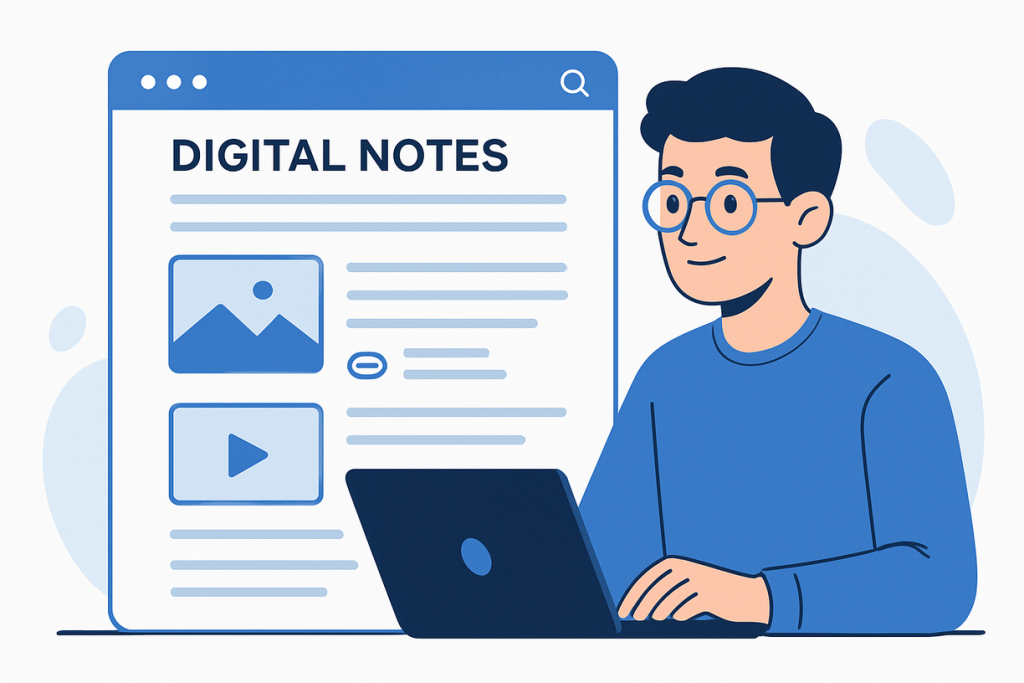
The days of frantically scribbling notes on paper while trying to keep up with fast-talking professors are rapidly becoming obsolete. Digital note-taking has revolutionized how students capture, organize, and review information, offering capabilities that traditional pen-and-paper methods simply cannot match. Yet many students still struggle to harness the full potential of digital tools, often defaulting to basic typing without leveraging the sophisticated features that could transform their academic performance.

Why Digital Note-Taking Transforms Academic Success
Digital note-taking offers advantages that extend far beyond convenience:
Searchability and Retrieval
Unlike paper notes buried in notebooks, digital notes can be instantly searched by keyword, date, or topic. This transforms review sessions from time-consuming hunts through pages to targeted information retrieval.
Multimedia Integration
Modern digital notes can incorporate audio recordings, images, diagrams, and even video clips, creating rich, multi-sensory learning resources that enhance comprehension and retention.
Real-Time Synchronization
Cloud-based systems ensure your notes are accessible across all devices, allowing seamless transitions between laptop lectures, tablet study sessions, and smartphone quick reviews.
Collaborative Capabilities
Digital platforms enable easy sharing and collaborative editing, turning note-taking from a solitary activity into a powerful group learning tool.
Infinite Organization
Digital systems allow multiple organizational schemes simultaneously—chronological, topical, by course, or by project—without the physical limitations of notebooks.
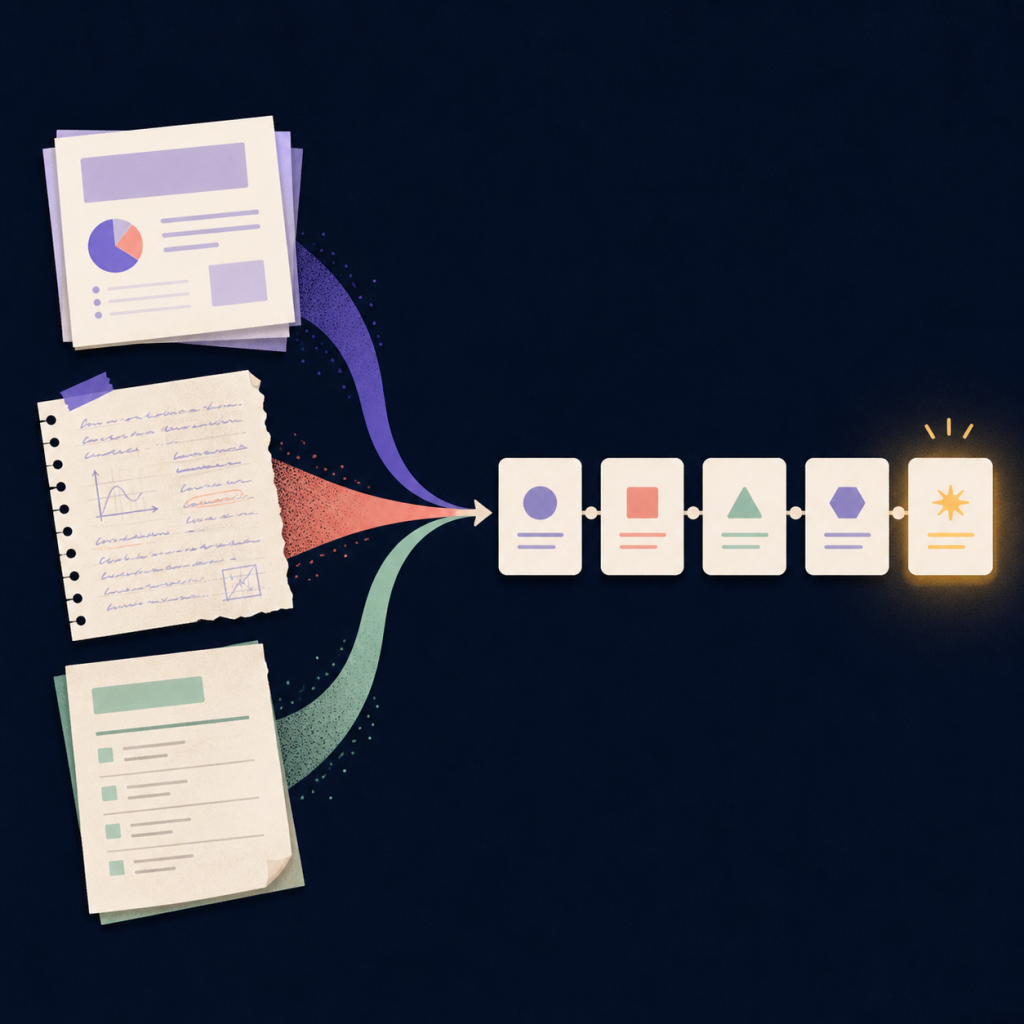
Some platforms, like Jotverse, go beyond simple note storage by using AI to help structure your learning intelligently—tracking your understanding across sessions, organizing key takeaways automatically, and even generating questions from your own notes to deepen retention.
Choosing Your Digital Note-Taking Method
The most effective digital note-taking approach depends on your learning style, course requirements, and personal preferences:
Linear Note-Taking: The Digital Evolution of Traditional Methods
Linear note-taking translates the familiar outline format to digital platforms, maintaining the hierarchical structure many students find intuitive.
Best for: Lecture-heavy courses, sequential information, students transitioning from paper notes
Digital advantages: Automatic formatting, easy reorganization, searchable text, infinite space
Recommended tools: Microsoft OneNote, Google Docs, Notion
Pro tip: Use heading styles and bullet points to create automatic outlines that can be collapsed or expanded for different review needs.
Mind Mapping: Visual Learning in Digital Space
Digital mind mapping tools create visual representations of information relationships, perfect for students who think in connections rather than linear sequences.
Best for: Brainstorming sessions, complex topic relationships, creative subjects
Digital advantages: Infinite canvas, easy reorganization, multimedia integration, collaborative editing
Recommended tools: MindMeister, Miro, Jotverse (an integrated tool to visualize your learning into Mind Maps, automatically generated by the AI)
Pro tip: Start with a central concept and build outward, using colors and icons to create visual categories that enhance memory retention.
Cornell Method: Structured Digital Learning
The Cornell note-taking system divides pages into three sections: notes, cues, and summary. Digital versions enhance this proven method with search and linking capabilities.
Best for: Exam preparation, courses requiring active recall
Digital advantages: Template automation, searchable cue words, linked summaries, progress tracking
Recommended tools: Notion (with Cornell templates), OneNote (custom layouts), specialized Cornell apps
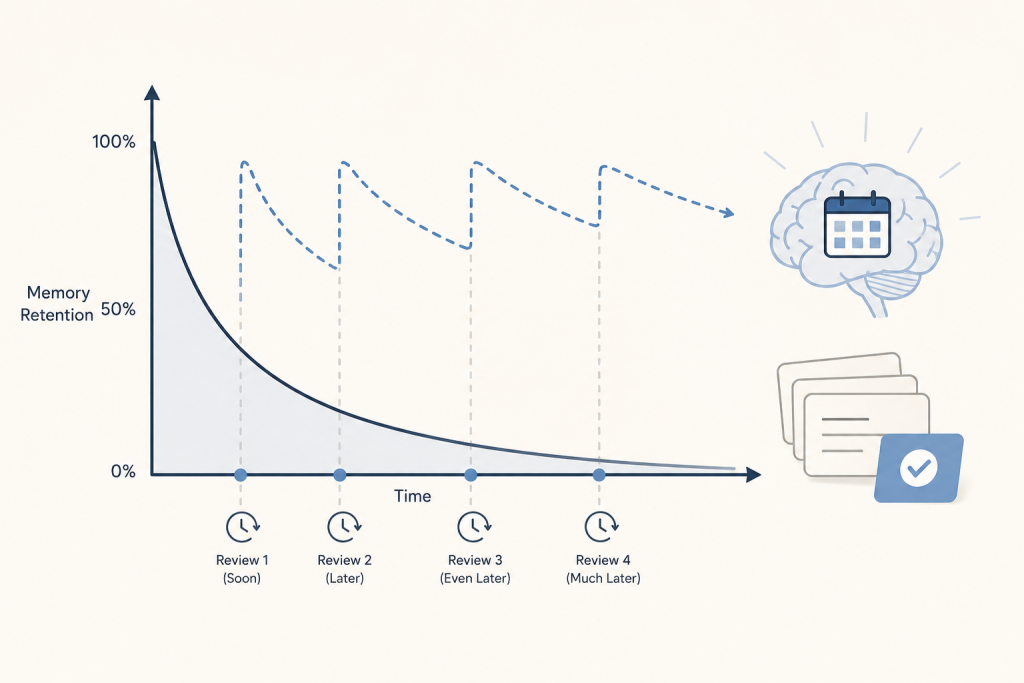
Pro tip: Use the cue section for questions that can be turned into flashcards or quiz questions for later review.
Bullet Journaling: Rapid Digital Logging
Digital bullet journaling adapts the rapid logging system for electronic devices, combining task management with note-taking in a flexible, customizable format.
Best for: Students managing multiple projects, those who prefer minimal structure, task-oriented learners
Digital advantages: Automatic date stamps, searchable symbols, linked references, backup and sync
Recommended tools: Notion, Obsidian, specialized bullet journal apps
Pro tip: Develop a consistent symbol system and use tags to create automatic collections of related information.
Advanced Digital Note-Taking Strategies
Once you’ve mastered basic digital note-taking, these advanced techniques can significantly enhance your learning:
The Zettelkasten Method: Building a Knowledge Network
This method creates a web of interconnected notes, where each note contains a single idea and links to related concepts, building a personal knowledge base over time.
Implementation: Use tools like Obsidian or Roam Research to create bidirectional links between notes, gradually building a comprehensive knowledge network.
Benefits: Enhances understanding of complex relationships, improves long-term retention, creates valuable study resources for comprehensive exams.
Active Annotation and Highlighting
Digital tools allow sophisticated annotation of PDFs, e-books, and web content that goes far beyond simple highlighting.
Techniques: Use different highlight colors for different purposes (key concepts, questions, examples), add voice notes to annotations, create linked annotations that connect to your main notes.
Tools: Adobe Acrobat, Hypothesis, Readwise, LiquidText
Template-Based Note-Taking
Create standardized templates for different types of content—lecture notes, reading summaries, lab reports—to ensure consistency and completeness.
Benefits: Reduces cognitive load during note-taking, ensures important elements aren’t missed, creates uniform structure for easier review.
Implementation: Most note-taking apps allow custom templates that can be automatically applied to new notes.
Audio Integration and Transcription
Modern tools can record lectures while you take notes, automatically transcribing speech and allowing you to link written notes to specific audio timestamps.
Tools: Otter.ai, Rev, built-in recording features in OneNote and Notion
Best practices: Always get permission before recording, use transcription as a supplement to active note-taking, not a replacement.
Optimizing Your Digital Workflow
Creating an effective digital note-taking system requires thoughtful workflow design:
Pre-Class Preparation
- Review previous notes and create a basic outline
- Set up templates for the day’s subjects
- Ensure devices are charged and synced
During Class
- Focus on capturing key concepts rather than verbatim transcription
- Use abbreviations and symbols for speed
- Add questions and connections in real-time
Post-Class Processing
- Review and clean up notes within 24 hours
- Add summaries and key takeaways
- Create connections to previous material
- Generate study questions
Regular Maintenance
- Weekly review and organization sessions
- Archive completed courses
- Update and refine templates based on experience
Common Digital Note-Taking Pitfalls and Solutions
Technology Dependence
Problem: Over-reliance on digital tools without backup plans
Solution: Always have a backup method available and regularly export important notes
Feature Overwhelm
Problem: Getting distracted by advanced features instead of focusing on content
Solution: Start simple and gradually add complexity as you become comfortable
Poor Organization
Problem: Digital notes becoming as disorganized as paper notes
Solution: Establish clear naming conventions and folder structures from the beginning
Passive Consumption
Problem: Typing everything without processing information
Solution: Force active engagement by summarizing in your own words and asking questions
The Future of Digital Note-Taking
Emerging technologies are continuously expanding the possibilities for digital note-taking:
- AI-powered summarization that can automatically extract key points from lengthy content
- Handwriting recognition that combines the natural feel of writing with digital advantages
- Voice-to-text improvements that make audio note-taking more accurate and practical
- Augmented reality integration that could overlay digital notes on physical environments
Interactive learning platforms like Jotverse demonstrate how AI can enhance the note-taking process—offering features like adaptive question generation, AI-curated mind maps, and study paths based on your personal weak spots.
Making the Transition
Moving from paper to digital note-taking requires patience and experimentation. Start by:
- Choosing one tool and mastering its basic features before exploring alternatives
- Experimenting with different methods to find what works for your learning style
- Gradually incorporating advanced features as you become comfortable with the basics
- Developing consistent habits around organization and review
The goal isn’t to use every available feature but to create a system that enhances your learning while fitting naturally into your academic workflow.
Digital note-taking represents more than just a technological upgrade—it’s a fundamental shift toward more organized, accessible, and effective learning. With the right approach and tools, your notes become not just a record of what you’ve learned, but a dynamic resource that actively supports your ongoing education.