
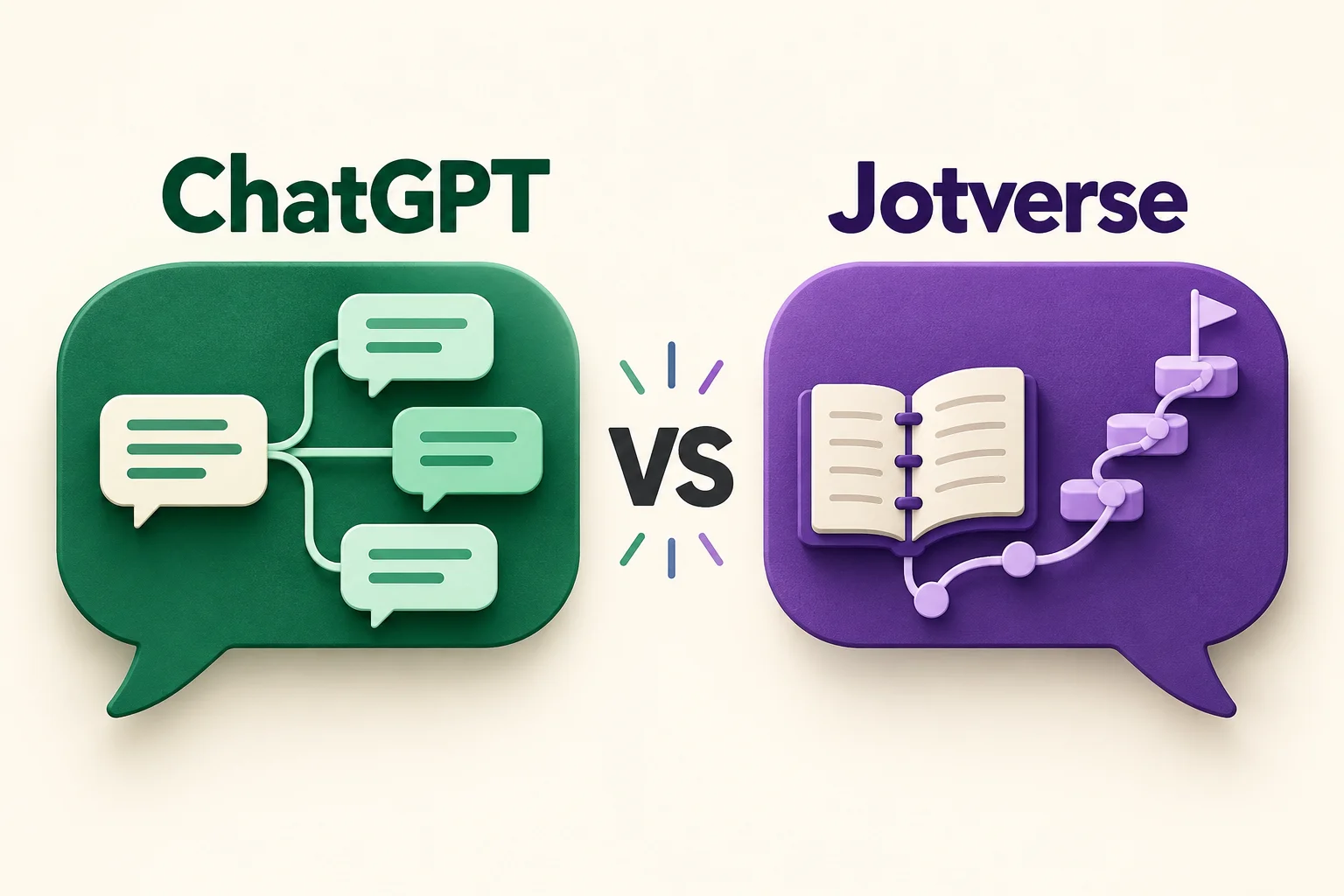
If you are choosing between Jotverse and ChatGPT for studying, start with the work you need help doing. Is it one confusing concept, or a difficult course that you need to keep moving through over several weeks?
Both can support learning. ChatGPT includes Study Mode, so describing it as a tool that only gives answers would be misleading. Jotverse is designed around a dedicated tutor for the course material you bring, with guided conversations, interactive study activities, and study plans in the same learning workspace.
The useful comparison is how each fits your study routine. A fluent explanation alone does not tell you whether you can solve the next problem independently.
A ChatGPT alternative for studying your course
| Study need | ChatGPT | Jotverse |
|---|---|---|
| Explain a confusing concept | Ask for an explanation, examples, or a different approach. Study Mode can guide the conversation. | Work through the concept with a tutor in the context of your course. |
| Use your course materials | Upload relevant materials when uploads are available, and identify the section you want to study. | Build a tutor from the materials you provide and return to that course workspace. |
| Check understanding | Study Mode can ask questions and give feedback. | Use guided conversations and interactive learning activities to practise and check your work. |
| Organize a longer study sequence | Ask for a plan and provide your goals and deadline. | Create and continue a study plan associated with your course tutor. |
| Return to a difficult topic | Revisit the conversation; personalization depends on memory availability and settings. | Return to your tutor, course context, and study work. |
This is a comparison of workflows, not a claim that either tool guarantees better grades. Features and account limits can change.
What ChatGPT Study Mode already does
ChatGPT is a reasonable place to start when you want a flexible conversation about a topic. In Study Mode, it can guide your thinking, break explanations into smaller steps, and ask questions rather than immediately finish the problem.
You can also bring relevant course files into the conversation when uploads are available. Personalization through memory depends on your account and settings. These capabilities overlap with tutoring, so the decision should go beyond whether an app can ask a follow-up question.
For the current details, see OpenAI's guide to ChatGPT Study Mode. Check the tool's explanation against your course sources, especially when terminology or a lecturer's method matters.
Where Jotverse fits
Jotverse focuses the workspace on studying a course. You bring your materials into a tutor, work through topics in conversation, and use learning activities such as quizzes, flashcards, or concept maps when they help with the task.
That structure can be useful when the problem is bigger than a single question. You may understand today's explanation but still be unsure which prerequisite to revisit, how to practise independently, or where the topic belongs in your study plan.
A dedicated course workspace gives you a place to return to those decisions. The practical benefit to test is whether it helps you spend more of a session learning and less of it assembling the context for the next conversation.
Try both on the same difficult topic
Suppose you understand a worked calculus example but cannot start a similar problem alone. Asking either tool to produce another complete solution may leave the real gap untouched.
Use the same course excerpt and a fresh problem in each tool. Then ask for a small hint and attempt the next step yourself. Notice whether the conversation helps you identify the difficulty: choosing a method, understanding the concept, or carrying out the algebra.
Judge the session using evidence from your own work:
- Can you explain why the method applies?
- Can you complete a similar problem without copying the response?
- Do you know what to practise next?
- Can you find the source passage needed to check the explanation?
- Is it easy to resume useful study when you return?
The tool that produces the longest explanation does not necessarily make that test easier. Look for a study routine you can repeat.
When to choose ChatGPT
Choose ChatGPT when you want a flexible assistant that also supports guided study, especially if you already use it and can clearly describe your question, level, and course context.
Try Study Mode before assuming you need another app. Give it the relevant material and ask it to wait for your attempt. If that approach meets your needs and you can organize your follow-up work, it may be enough.
When to try Jotverse
Try Jotverse when you want a workspace built around your course tutor, materials, study activities, and ongoing plan. It is particularly worth evaluating when you keep returning to the same difficult course and want a more structured place for that work.
Start small: one course, one permitted source, and one topic you find difficult. Ask for guidance, make an independent attempt, and check the result against the source. You do not need to move every course into a new tool to decide whether the workflow helps.
If your immediate challenge is a backlog, read how to catch up when you are behind in a difficult college course.
Make the first session useful
Choose a topic that you recognize but cannot yet explain or solve independently. Bring the relevant notes or slides, identify where you get stuck, and finish the session by trying something without help.
Create your Jotverse tutor and test that workflow with your own course material.
Use either tool alongside your lecturer's guidance and your course's AI-use rules. The goal is a clearer next step and evidence that you can do more of the work yourself.
Read the guide to choosing an AI tutor for a practical way to evaluate any study tool.